This article was prepared with AI assistance based on an analysis of the current Lumina Studio source code, existing Wiki content, and relevant workflows. It has been checked against the current version, but omissions or details that become outdated may remain as the software evolves. If you find an error or have a clearer explanation, example, or suggestion, please leave a comment on this page or propose an edit on GitHub.
Slicer and downloads
Lumina detects slicers it can launch and prioritises the application selected in Settings. The primary action depends on slicer availability, whether an artifact already exists, and Large Format state.
| State | Main-button action |
|---|---|
| Slicer detected, no artifact | Generate the 3MF, then open it in the selected slicer |
| Slicer detected, artifact ready | Open the current artifact directly |
| No slicer detected | Generate and download, or download the existing 3MF |
| Large Format | Generate or download a ZIP of tiled 3MF files; do not auto-open it |
| Independent backing projects | Download a ZIP with separate model and backing 3MFs; unpack and open each |
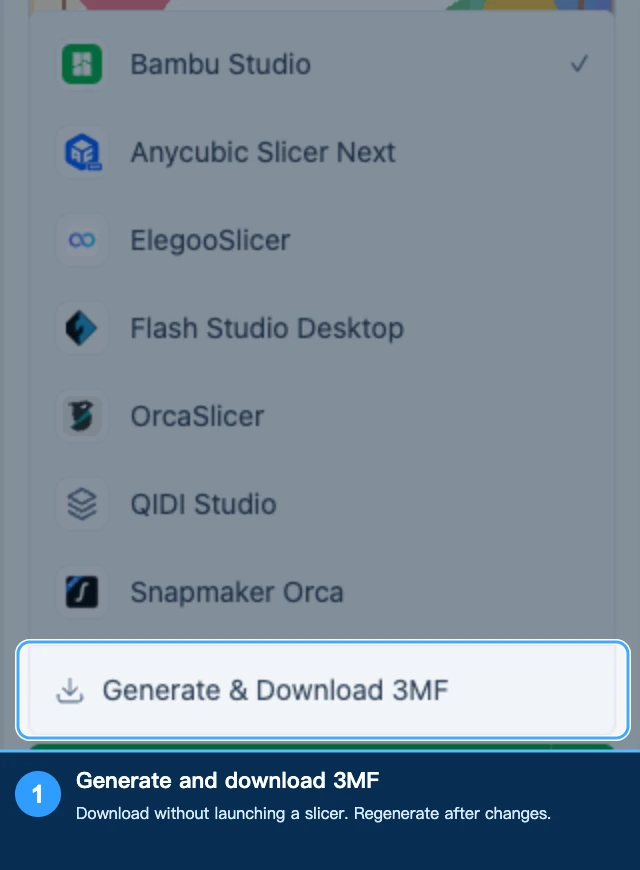
As of October 19, 2026, the menu provides Generate and download 3MF, which generates the file first when no current artifact exists. If the preferred application from Settings is missing, Lumina reports the mismatch instead of claiming a successful launch.
Resolve filament-preset or build-plate selection prompts before generation. After changing artwork, colors, or structure, generate a file that matches the new state. Files already downloaded to disk do not update themselves.
The desktop version lets you set a default save location. Save dialogs open there first, but you can choose another location for an individual download.
Final slicer checks
Verify the printer and nozzle, physical filament assignment, build-plate placement, display-face direction, and every fine feature or attachment in the sliced layers. A 3MF can carry model and material metadata, but the slicer makes the final machine-specific decisions.
Related: Material mapping in a slicer.
Submit feedback
Your feedback is sent privately to the Wiki maintainers and is not displayed publicly on this page.